Markdown Flashcards - A Local-First Flashcard App
As part of my ongoing learning journey, I was looking for a Flashcard App that was simple, local-first, and backed by a plain text format. I couldn't find anything that fit the bill, so I built my own.
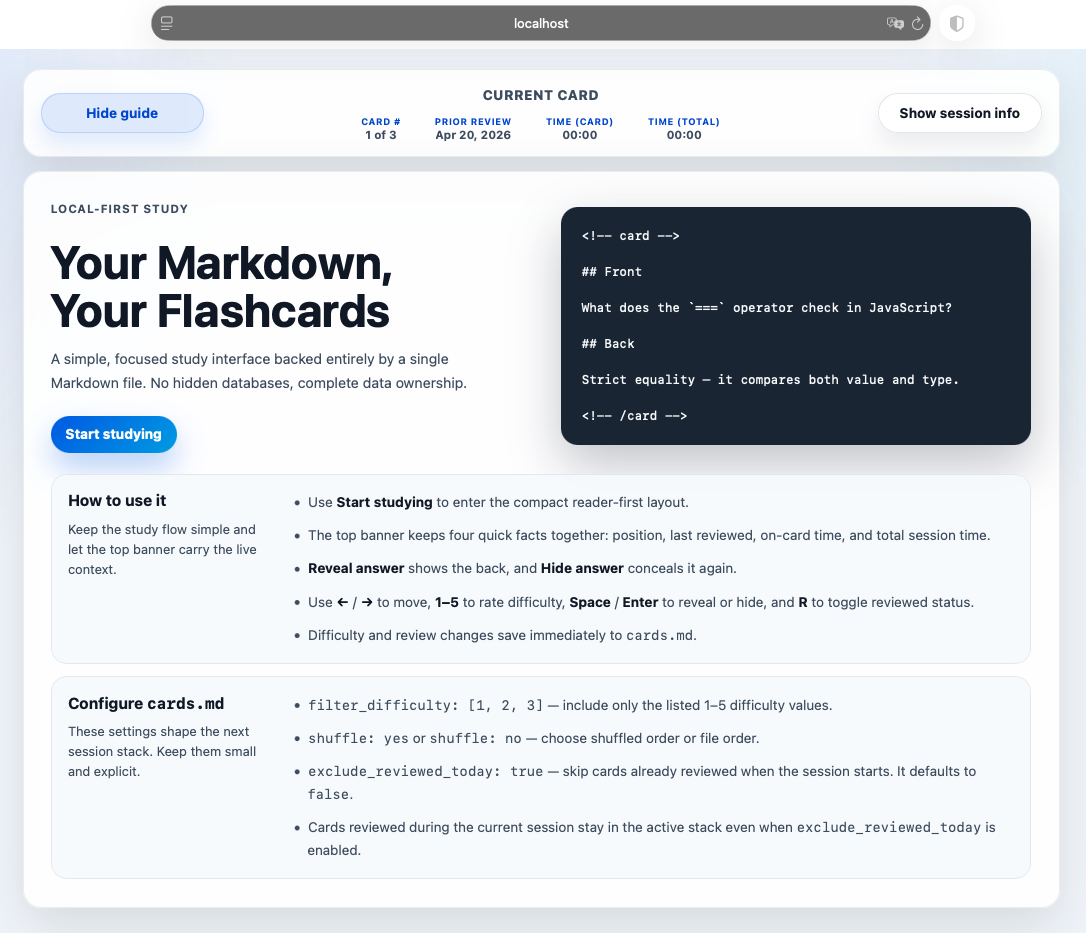
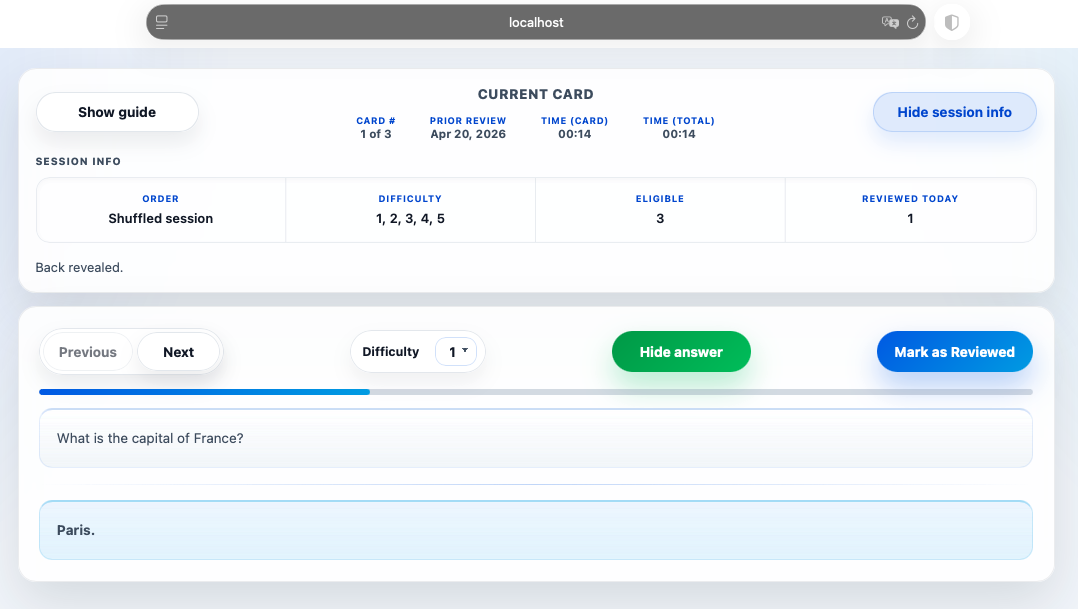
With my Markdown Flashcards, you can write flashcards in plain Markdown, and the app will render them into an interactive study interface. The app also manages metadata like difficulty and review dates, which are saved back into the same Markdown file.
Features
- Local-first & private: Runs completely on your machine. No cloud sync, no tracking, complete data ownership.
- Plain text source of truth: Your entire deck lives in a single
cards.mdfile. It's easy to read, edit in any editor, and version control. - Rich Markdown support: Build cards using code blocks, lists, tables, and local images.
- No hidden databases: Study stats (like difficulty and last-reviewed dates) are saved as YAML frontmatter directly on the cards.
- Simple configuration: Control your daily study session with a few straightforward YAML settings at the top of the file.
Landing Page
Study Mode
Quick start
- Install dependencies:
- Start the app:
- Open in your browser:
http://localhost:54123
Writing Cards
At a minimum, each card needs a front and a back wrapped in HTML <!-- card --> markers.
<!-- card -->

## Front

What does the `===` operator check in JavaScript?

## Back

Strict equality — it compares both value and type.

<!-- /card -->
Card metadata
Once the app has run, cards usually include a YAML metadata block like this:
<!-- card -->

```yaml
id: a1b2c3d4
difficulty: 3
last_reviewed: 2026-04-26
paused: no
```

## Front

...
These fields are managed entirely by the app, so you don't have to write them yourself:
id— stable card identifierdifficulty— current 1–5 ratinglast_reviewed— last date the card was marked reviewedpaused— useyesto remove a card from sessions without deleting it
Configuration
The YAML block at the very top of cards.md controls how the next session stack is built. These settings are read when the server starts, so restart the server after editing them and then refresh the page.
filter_difficulty: restrict cards to specific difficulty levels.shuffle:yesorno.exclude_reviewed_today:trueto skip cards already reviewed today when generating the session stack.
Note:
exclude_reviewed_todayis a session-start filter. Cards reviewed during the current session will stay in the active stack.
Development & Project Structure
public/— Browser UI (HTML, CSS, JS frontend)src/— Node.js parser, startup, and session logictest/— Automated test suite and fixturesassets/— Local images or other static files referenced by cardslogs/— Run logs created by the app.bak/— Timestamped backups of yourcards.mdgenerated automatically
Helpful commands
npm run dev— start with watch modenpm test— run the automated test suite
Please read spec.md before changing behavior to ensure your changes align with the product and file-format contract.